When you upload a photo we make smaller copies and serve whichever suits the visitor. Somebody on a phone gets a small file, somebody on a large monitor gets a sharper one. You do not need to resize anything or think about file sizes.
That means you should always upload the biggest version you have. A photo straight off your phone is ideal. What does not work is a picture saved from Facebook or pulled out of a Word document, because those have already been shrunk and there is no detail left for us to work with.
Cropping is about shape rather than size. A wide banner needs a landscape photo, a tall column needs a portrait one. If a photo looks badly cut off it is usually because the shape does not match the space, and you can adjust which part stays in view.
Step by step
Click the photo you want to replace.
Choose a file from your computer or phone. Bigger is better.
If the crop is wrong, adjust which part of the photo stays in frame.
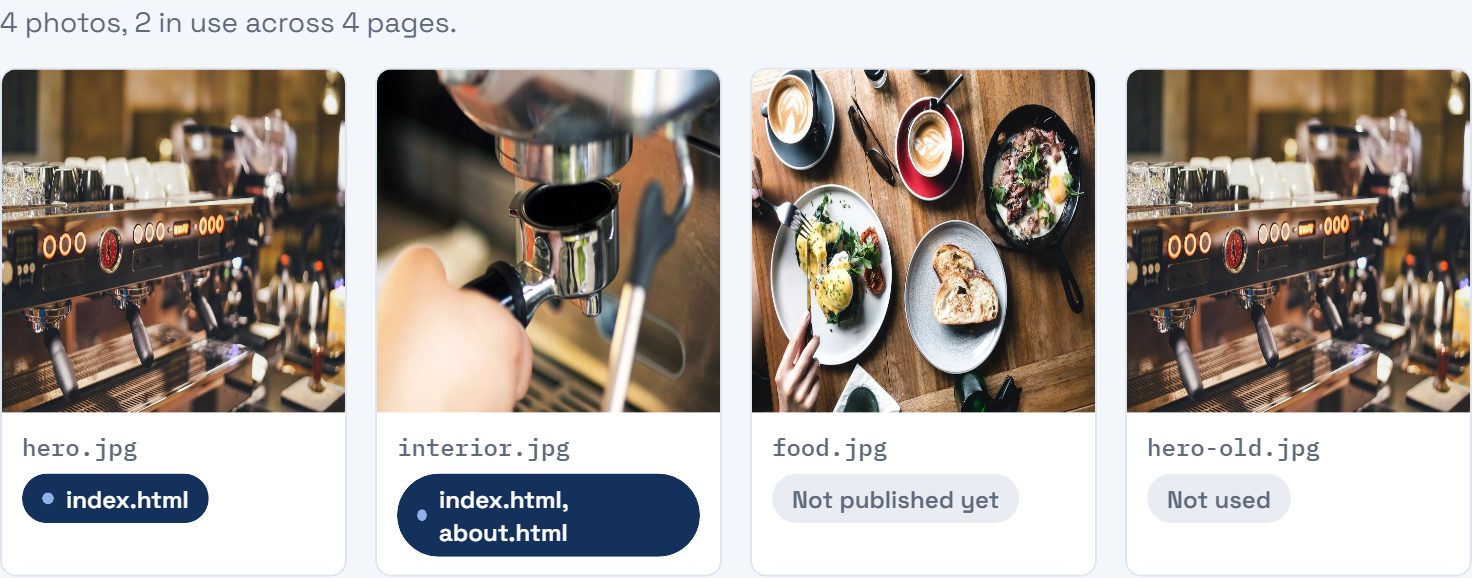
Check the Photos tab in your dashboard to see everything you have used.
If it does not go to plan
My page is slow and the checkup blames a photo.
Almost always one enormous image used somewhere small, or a photo saved as a PNG when it should be a JPG. Replacing it usually fixes the whole score.
Can I use a photo I found on Google?
No, not unless you know it is licensed for use. Photographers do pursue this. Use your own, or a free stock site like Unsplash or Pexels.